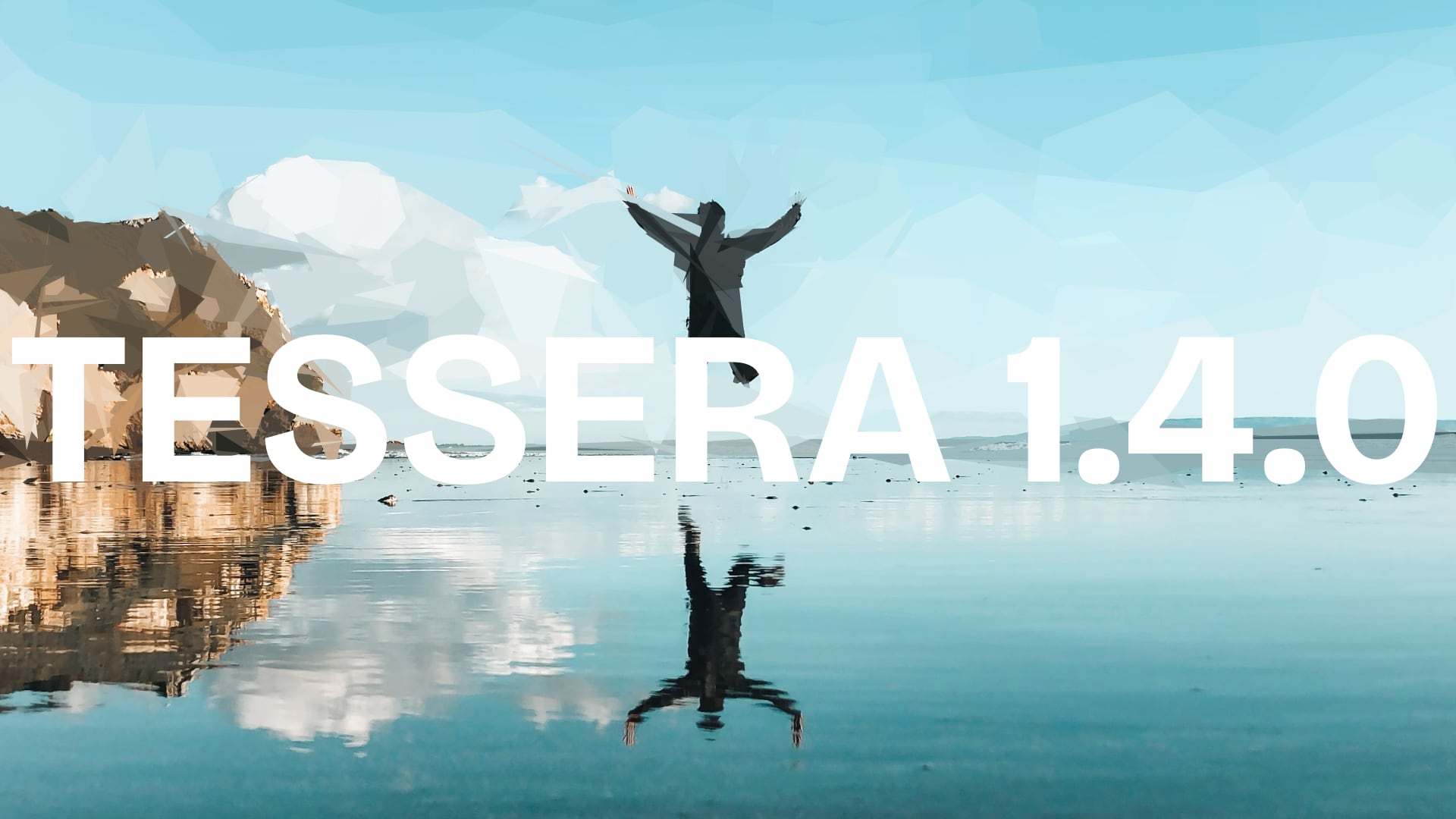
Every time I think I've finished working on Tessera, I have another idea.
Tessera 1.4.0 introduces the new "Partial overlays" feature, allowing compositing of original source images with Tessera reconstructions, using either linear or radial coverage options. That is a mouthful, so let's break it down.
Accessing partial overlays
After reconstructing an image:
- Press the "Export" button.
- Select "Original" Boundaries.
- From the "Separations" menu, select "Partial overlays".
What are partial overlays?
Partial overlays allow you to set inclusion parameters for shapes appearing in the reconstruction.
Here, the cliffs and ocean are Tessera-reconstructed, while the sky and jumper are omitted, and can be composited from the original image source:
Coverage sets how far the zone extends into the image; think of it as the size of the region. Sensitivity sets how much of a shape needs to fall inside that zone to count as "in". Low sensitivity includes shapes that just barely touch the zone; high sensitivity only includes shapes that sit almost entirely within it.
Where shapes are completely dropped, the reconstructed image will be transparent. You can either export this overlay to use as a layer in your post-processing software, or you can use the provided blend modes to composite the reconstruction and original image in Tessera.
Linear overlays
With Linear overlays, use the Angle slider to set the direction from which the reconstruction coverage should begin. Here, the angle is set to roughly 135 degrees, the bottom-left corner. The jumpers are escaping the Tessera-izing island by leaping from the cliffs into the ocean!
Radial overlays
With Radial overlays, drop one or more points on your image. For each point, the Coverage slider is now Radius. Use radial overlays when you don't want coverage to begin from the image's edge.
Here, we use radial overlays to censor the famed Greek sculpture, Venus de Milo:
You can also invert the coverage to punch holes in your reconstruction!
Here, I use two points -- one on his face, the other on his phone -- inverted, to make a social commentary on how, in our modern age, we engage more with our devices than we do with our surroundings:
Getting the updates
The partial overlay features are available in the free web version of the app. If you've installed it on your phone, kill the app if open, then open it. Give it a few seconds to acquire the update, then kill it and launch it again.
To get the updates for desktop, Mac users can simply launch the app and you will be prompted to update automatically.
Other platforms will need to download the ZIP file(s) from Gumroad. Log in there, visit your "Library" to redownload purchases, and you should find the latest Tessera files waiting for you.
Enjoy the partial overlays! I hope they open up new creative possibilities for you.
1.4.0 — 2026-07-01
Features
- Partial Overlay — new separation mode that filters SVG shapes by position: Linear (directional zone with angle, coverage, and sensitivity) or Radial (distance from up to 8 placed points, with per-point radius/sensitivity and an invert toggle). Supports composite export onto the source photo with blend modes and opacity, plus SVG/PNG/WebP/JPEG output. Two-column layout on wider screens.
Improvements
- Window size persistence — Tessera now opens maximized by default on first launch; subsequent launches restore the last window size, position, and maximized state